Skip to content
The retail store

Your storefront, your catalogue.

Everything Websites does None of the app tax.

Run a product catalogue with galleries, descriptions, and pricing served straight from the platform. Your catalogue, your SEO, and your blog stop living in three disconnected tools that each take a cut.

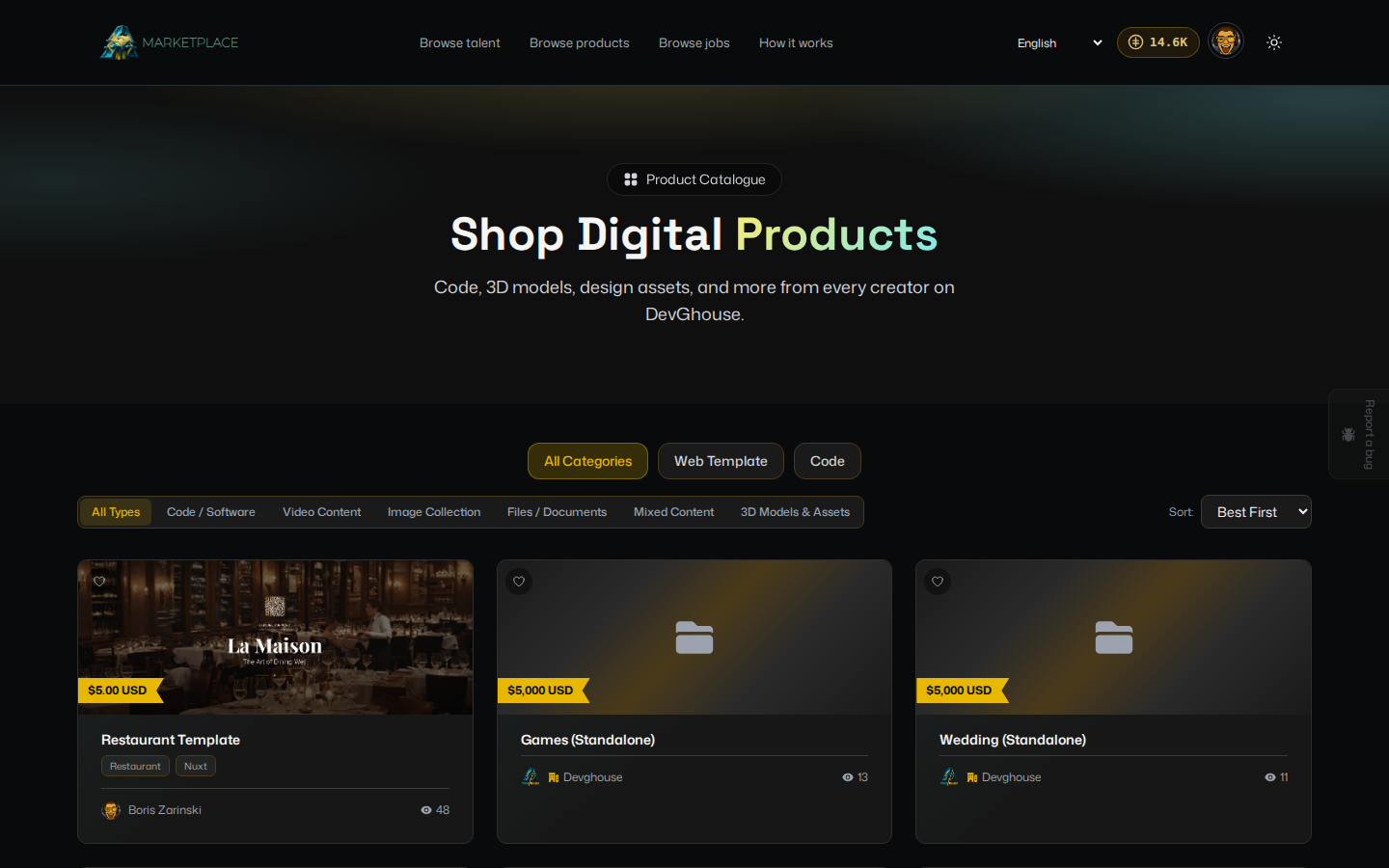
A live storefront product page beside the catalogue in the dashboard that manages it

Inside the store

Everything a storefront needs, on the rails you already run.

01

The catalogue

Your products, managed in one place.

Build the catalogue in the workspace products area and it surfaces on the live site over the website token. Adding a product is a dashboard job, not a developer ticket.

  • Products managed in the workspace
  • Served to the live site over its token
  • No deploy to list a new product
A product catalogue managed in the workspace products area
02

Galleries and descriptions

Show the product properly.

Each product carries its own image gallery, description, and pricing, so a page can sell rather than just list. The assets live in the site CDN folder beside everything else it serves.

  • Image gallery per product
  • Descriptions and pricing per item
  • Images hosted in the site CDN folder
A product page with its image gallery, description, and price
03

Product SEO

Product pages that keep themselves found.

The store sits beside the SEO suite, so product pages are audited, tracked, and kept optimized like every other page. Inventory can shift without your rankings quietly going stale.

  • Product pages in the same audits
  • Keywords tracked across the catalogue
  • The blog promotes what you sell
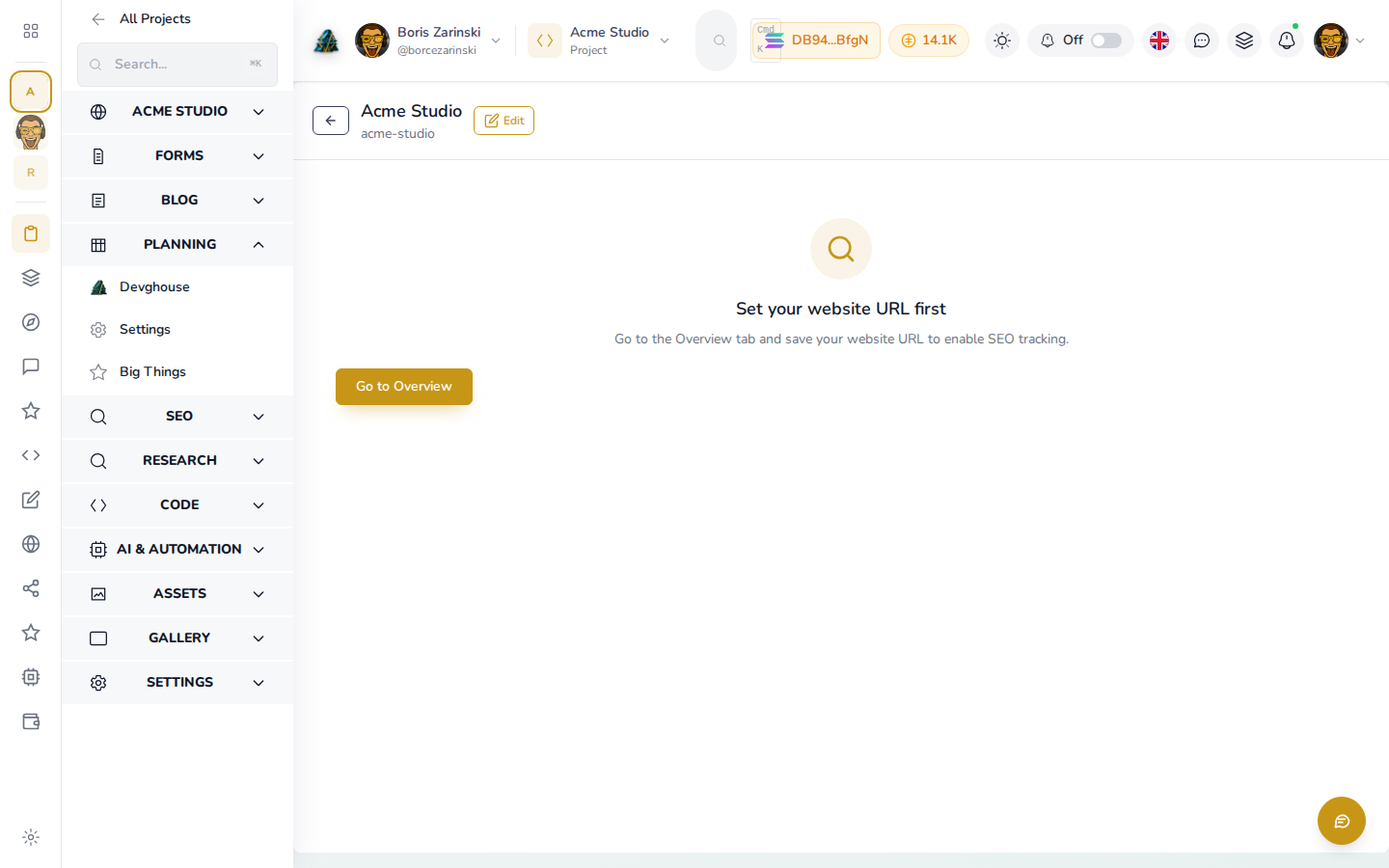
Product pages appearing in the SEO audit alongside the rest of the site
04

Trust pages

Proof, without another subscription.

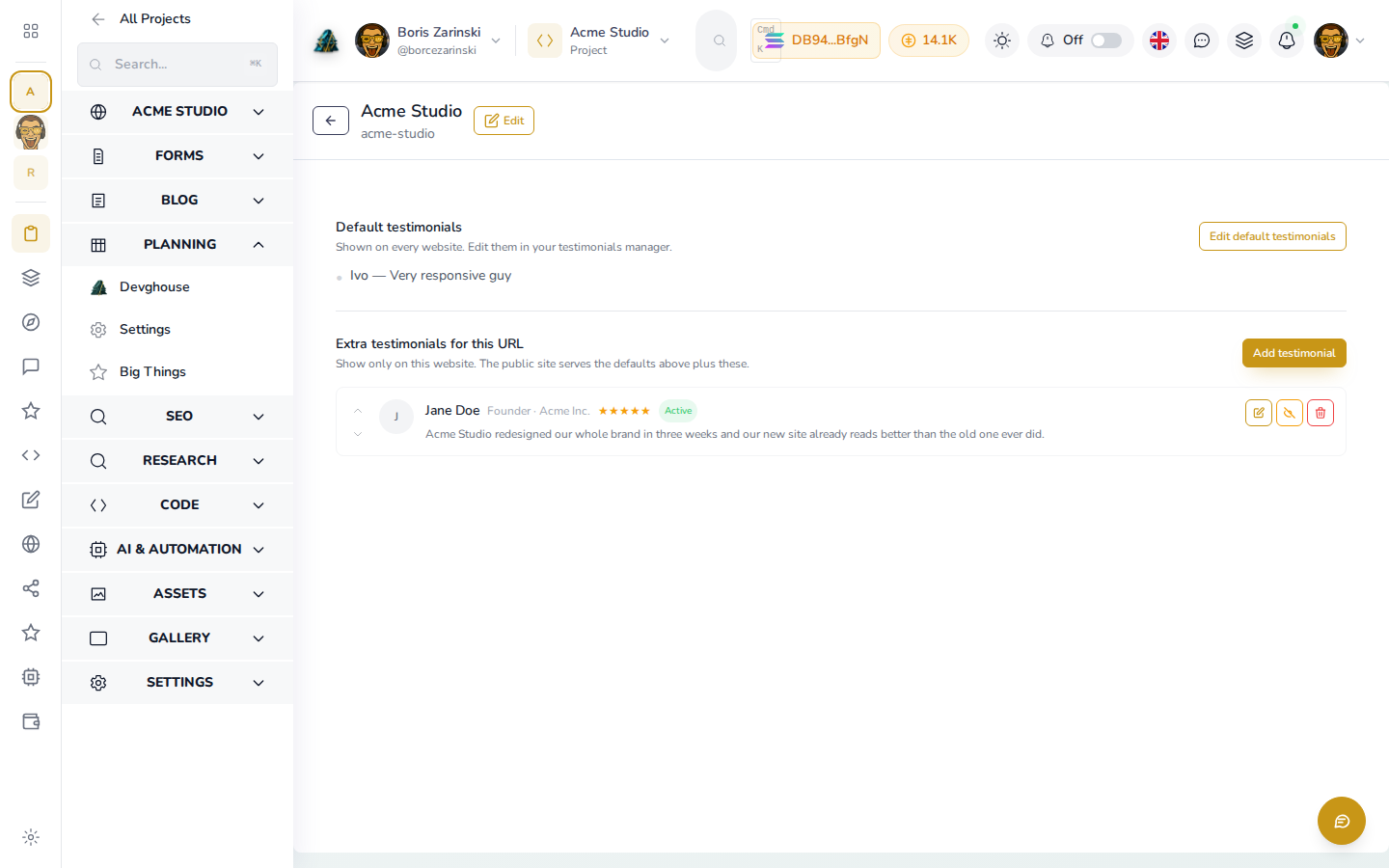
Testimonials and team pages are part of the same dashboard, so the pages that make a first-time buyer comfortable are already there. No extra tool, no extra bill.

  • Testimonials managed in place
  • A team page with no extra tool
Testimonials and a team page serving the storefront

Common questions

Selling from your own site.

Where do I manage products?+

In the workspace products area. The catalogue surfaces on the live site over the site read-only website token.

Do product pages get the SEO treatment?+

Yes. They are part of the same audits and keyword tracking as the rest of the site, and the blog can promote what you sell.

Where do product images live?+

In the site own CDN folder, managed from the Assets tab alongside every other file the site serves.

Can I add testimonials and a team page?+

Yes. Both are managed in the dashboard and served to the live site, so the trust pages need no extra subscription.

One dashboard, one bill

Sell from the site that already markets itself.

The catalogue sits beside the SEO suite, the blog, and the lead inbox, so a product page is promoted by the same system that serves it.

Open a store

See it in the docs, with video