Skip to content
Forms and the lead inbox

Every enquiry lands somewhere you look.

Everything Websites does And gets an answer.

Build the forms your pages need, collect every submission in one inbox instead of an address nobody checks, and reply from the same screen with saved templates. A lead that arrives today can be answered today.

The Forms tab with a submission inbox open and a reply being written from a saved template

Inside the tab

From the form on the page to the reply in their inbox.

01

Form building

The fields your business actually asks for.

Build a form with the fields you need, whether that is a contact box, a quote request, or a booking enquiry. One site can run as many forms as it has jobs to do.

  • Build any form your pages need
  • As many forms per site as you want
  • Served to the live site over its token
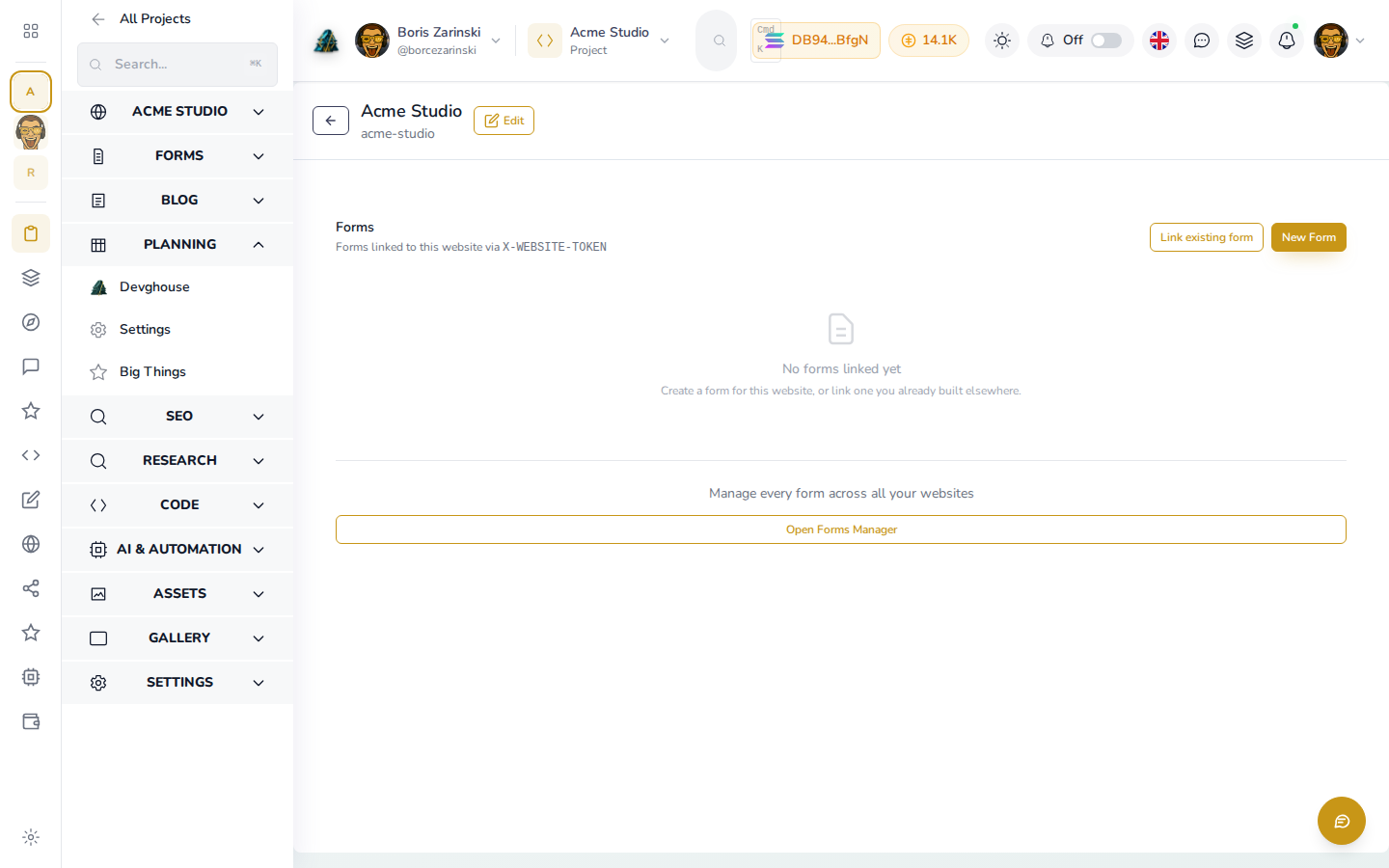
A form being built with its fields listed in the dashboard
02

The submission inbox

One place every submission arrives.

Submissions land in an inbox on the site they came from, marked read or unread so you can see what still needs you. No shared mailbox, no wondering whether someone else already handled it.

  • Every submission in one inbox
  • Read and unread state per lead
  • Scoped to the site that collected it
The submission inbox listing new leads with unread markers
03

Reply in place

Answer without leaving the screen.

Open a submission and reply to it from the same view, with the whole thread kept beside the original enquiry. The context of a conversation stays with the lead instead of scattering across inboxes.

  • Reply from the submission itself
  • The thread stays with the lead
A submission open with its reply thread underneath it
04

Email templates

Write the good answer once.

Save the replies you send over and over as templates, then send one in a click. Your fifth quote request of the week gets the same quality answer as your first.

  • Save the replies you reuse
  • Send a template in a click
Saved email templates ready to send as a reply
05

Automation

A submission can start the work.

A form submission is one of the triggers a routine can fire on, so an enquiry can kick off the follow-up automatically. The lead is handled while it is still warm.

  • Form submission triggers a routine
  • Follow-up starts on arrival
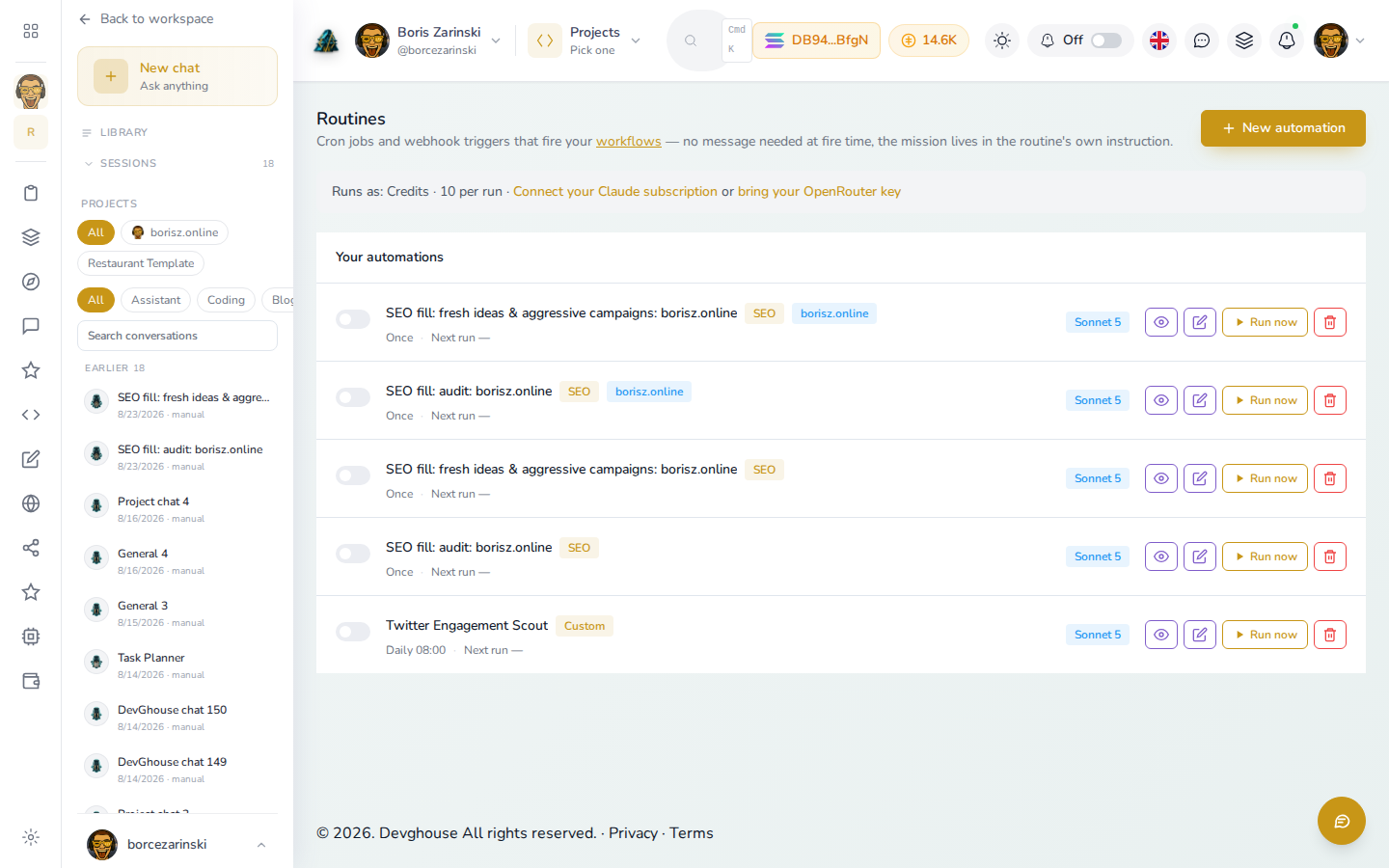
A routine wired to fire when a form submission arrives

Common questions

Where your leads go, and what happens next.

Where do submissions go?+

Into the Forms submission inbox for the website that collected them, where you can read, mark, and reply to each one.

Can I reply without switching to email?+

Yes. You reply from the submission itself, and the thread stays attached to the lead. Saved templates cover the answers you send often.

How many forms can one site have?+

As many as it needs. A site commonly runs a contact form alongside quote or booking forms, each with its own fields.

Can a submission trigger something automatically?+

Yes. Form submission is one of the routine triggers, so an arriving lead can start a follow-up on its own.

Do forms work on a site I brought with me?+

Yes. An imported site reads its forms over the same read-only website token as everything else it serves.

No lead falls through

Give every enquiry one inbox and a same-day reply.

Forms, submissions, replies, and templates live on the same rails as the site that collects them, so nothing waits on a forwarded email.

Set up forms

See it in the docs, with video